AI GIF studio
Photo to GIF Maker
Turn an image into a GIF with AI-generated motion. Upload one photo, choose what should move, and download a short loop. Unlike a frame-by-frame image to GIF converter, this tool invents the movement between frames.
- 1 free photo-to-GIF generation for new accounts
- People, pets & illustrations
- Custom motion prompts
- Private account results
1 credit per GIF
Each new account gets 1 free photo-to-GIF generation total, with a watermark. Text-to-GIF requires paid credits. Sign in to start.
Only upload photos you have the right to use. Photos of children and adult content are not accepted.
File specs, credits & privacy
- Access & cost
- Sign in to generate. Each new account gets 1 free photo-to-GIF generation total, with a watermark. Text-to-GIF requires paid credits. Each GIF uses 1 credit. Free-credit GIFs are watermarked; new paid-credit GIFs are not.
- Output & limits
- GIF, longest side up to 480 px in both tiers. Forward-and-back playback with a solid background. The result panel shows file size, frames and playback duration. Paid generations use purchased credits with no daily generation cap. Free photo generations have separate daily limits. Each account can run one generation at a time.
- Original → prepared upload → GIF
- Choose JPG, PNG or WebP. Original-file decoding depends on your browser and device memory. You can select an original larger than the prepared-upload limit. The browser scales to at most 1280 px on the longest side and flattens transparency onto white JPEG. The prepared image sent to our server must have a short side of at least 400 px and be no larger than 4 MiB. Very wide or tall images may fail the short-side check after scaling.
AI inputs and results are processed by our server and providers. Results are private to your account. We attempt source-photo deletion when a task succeeds, fails or enters review; cleanup can fail. Provider retention follows separate policies. Free editing tools process selected files locally.
Credit packsPrivacy detailsContent rightsCredit returns & refunds
Prompt ideas · 300 characters maximum
Example prompts — copy one, adjust it, then hit Generate.
Pet · blink
The pet blinks slowly. Keep the camera fixed and the background still. Use only a small movement.
Pet · head tilt
The dog gently tilts its head. Keep the body in place and the camera fixed.
Adult portrait
The adult subject gives a slight smile. Keep the head position and camera steady, with no new objects.
Original illustration
The illustrated character sways gently in place. Keep the camera fixed and the background still.
How it works
How to turn a photo into a GIF
- 11
Choose a clear source photo
Start with one well-lit subject and enough space around it for the motion. A pet looking toward the camera or a simple illustration is easier to judge than a crowded scene. Use a photo you have permission to upload.
- 22
Specify a small movement
Choose a preset or enter a custom motion: “the dog blinks and gently tilts its head, background stays still”. Keep the action focused. Keep the camera still for a focused animation.
- 33
Inspect the loop and save it
Generate once, wait for the task to finish, and inspect the face, paws, edges and loop transition. Download the result when it looks right. Our 6 November test took 47 seconds.
Good to know
Where subtle motion fits
Pets
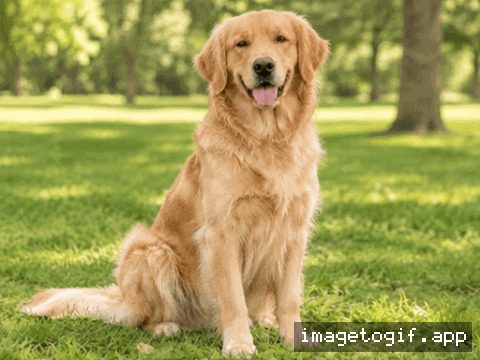
Try one blink or a small head tilt. Compare the dog sample below with its source to see how a restrained motion reads.
Consenting adults
Start with a restrained expression, such as a gentle smile. Photos of children, including babies, are not accepted.
Original illustrations
Try a simple sway on artwork you have permission to use. Describe one moving part, such as a leaf or a character’s hand.
When to use prepared frames
Choose Images to GIF to assemble prepared artwork with exact labels. For AI animation, transparent areas in the source photo are filled with white before generation.
Before → after
Real results from this tool
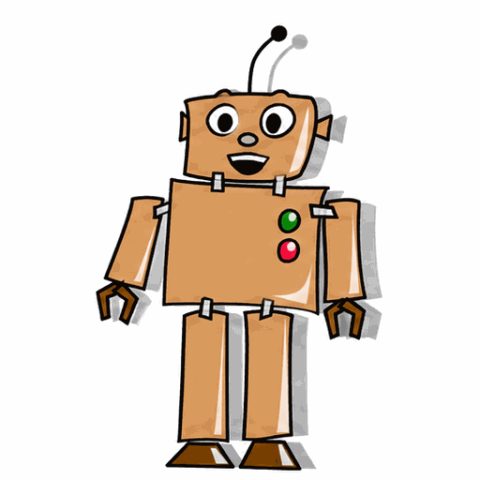
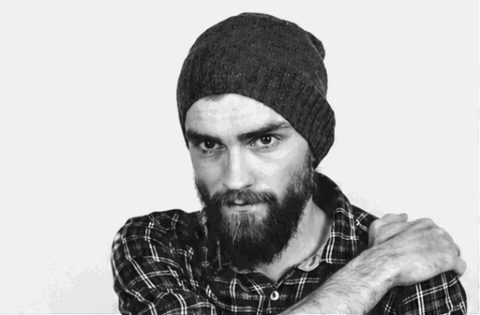
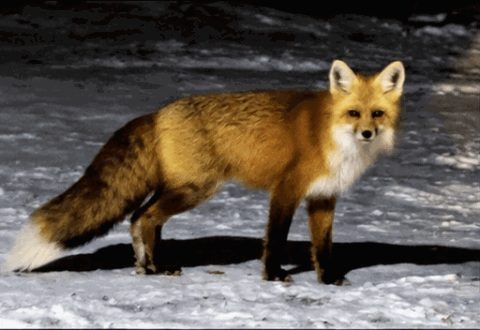
Each card shows the uploaded photo first; hover or tap to play the generated GIF and compare eyes, outline and background. Five were generated on 10 November 2026 without a watermark; the golden retriever is the original 6 November free-credit sample.
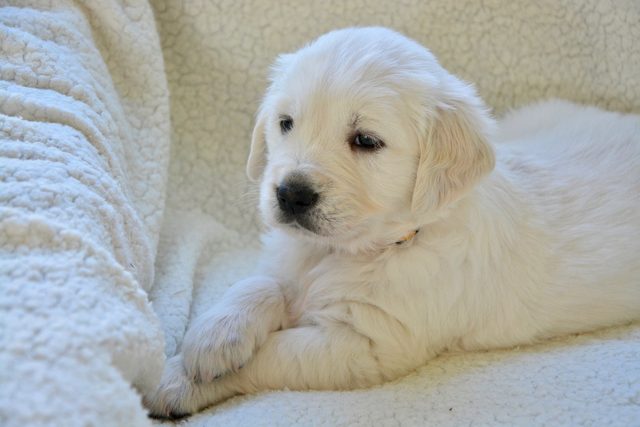 Photo GIFHover to playTap to play
White puppy — Bring to lifeBring to life 2026-11-10 · fal GPT Image 2.6 Flare · “Bring to life” · 480×315 px · 14 frames · 2.24 s loop · 0.80 MiB · 16 s wait
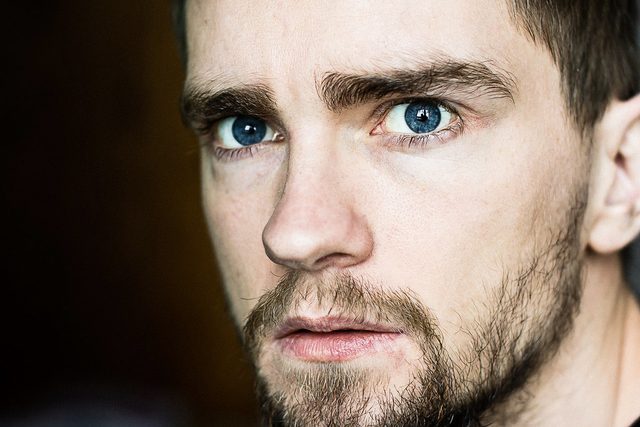 Photo GIFHover to playTap to play
Portrait — SmileSmile 2026-11-10 · fal GPT Image 2.6 Flare · “Smile” · 480×315 px · 14 frames · 2.24 s loop · 0.85 MiB · 16 s wait
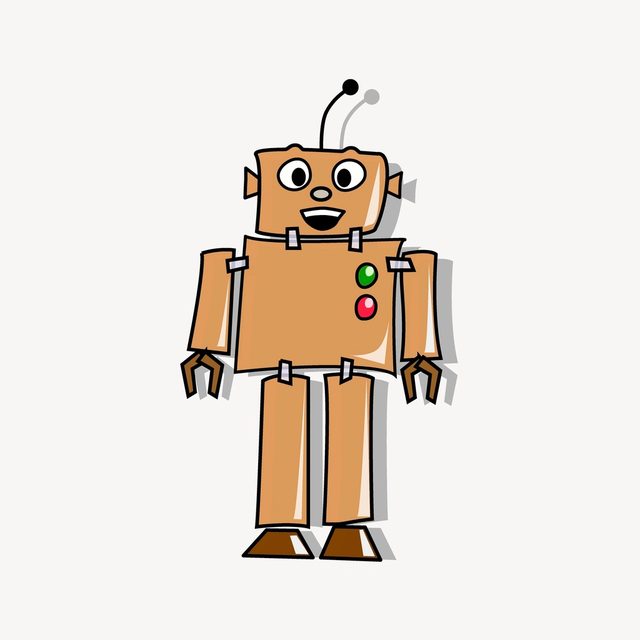 Photo GIFHover to playTap to play
Cartoon robot — Wave helloWave hello 2026-11-10 · fal GPT Image 2.6 Flare · “Wave hello” · 480×480 px · 14 frames · 2.24 s loop · 0.42 MiB · 16 s wait
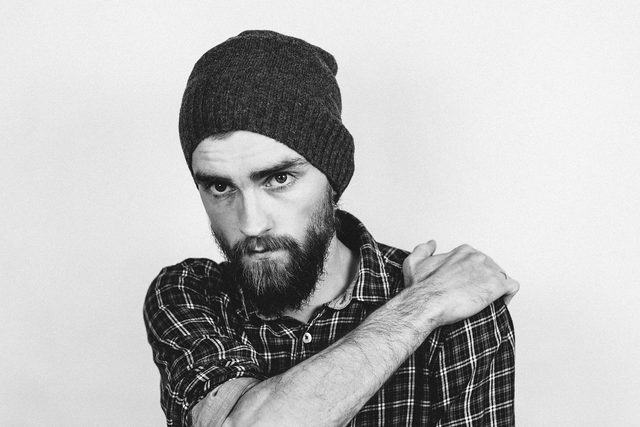 Photo GIFHover to playTap to play
Bearded man — LaughLaugh 2026-11-10 · fal GPT Image 2.6 Flare · “Laugh” · 480×315 px · 14 frames · 2.24 s loop · 0.55 MiB · 13 s wait
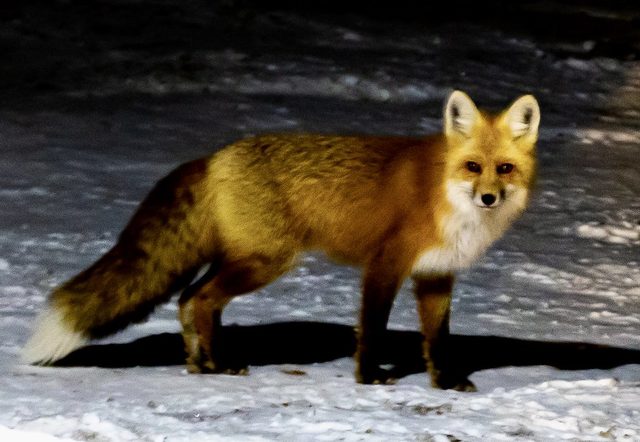 Photo GIFHover to playTap to play
Mountain fox — Gentle breezeGentle breeze 2026-11-10 · fal GPT Image 2.6 Flare · “Gentle breeze” · 480×330 px · 14 frames · 2.24 s loop · 0.92 MiB · 19 s wait
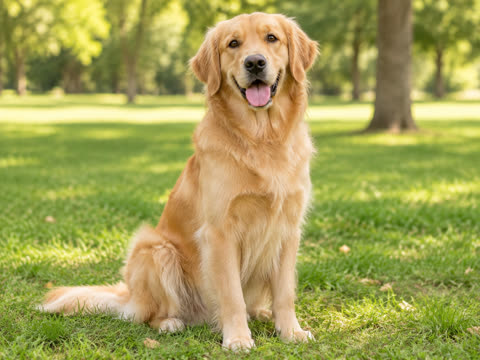 Photo GIFHover to playTap to play
Golden retriever — Bring to lifeBring to life 2026-11-06 · fal GPT Image 2.6 Flare · “Bring to life” · 480×360 px · 14 frames · 2.24 s loop · 1.29 MiB · 47 s wait · free credit, watermarked
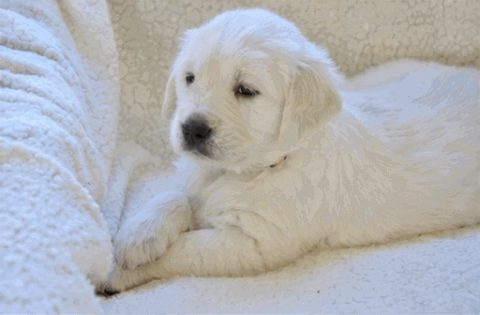
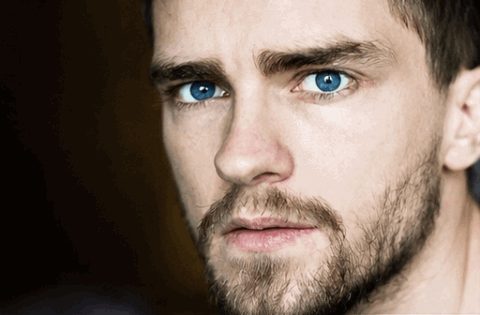
Hover or tap a card to play. Samples were generated by the site team with the same settings users get; one attempt each, shown as produced.
Compare
Choose a way to animate an image
| Feature | AI subject motion | Prepared image sequence | Camera effect or video conversion |
|---|---|---|---|
| Input | One photo | Two or more prepared pictures | A still picture or existing video |
| What changes | AI draws new motion frames | Pictures play in your chosen order | A camera effect moves the view; video conversion uses filmed motion |
| This website | This page · 1 credit per GIF | Images to GIF · free browser tool | No dedicated camera-effect or video-upload tool |
| Output | GIF up to 480 px longest side | GIF at your chosen canvas size | Use a separate editor for these workflows |
FAQ
Frequently asked questions
AI-generated details and turnaround time vary. Compare faces, colors, lettering and edges with the original, then watch the full loop before sharing.
What makes a good photo for AI animation?
Choose a sharp source with one obvious subject, even lighting and a simple background. A close portrait or pet photo leaves more usable detail than a distant subject. Avoid cropped limbs if they need to move.
How do I turn an image into a GIF without changing its composition?
Request restrained movement such as a blink, breathing or a gentle breeze. Say which parts should stay still and avoid asking the camera to move. Preview the whole loop, not just its first frame. If exact artwork or lettering must stay identical, use an existing sequence of frames instead of generating new motion.
Can I animate an illustration or product photograph?
Yes, but review the output for altered lettering, logos and fine edges. A subtle sway can suit a drawing; a product with precise labels may be a poor fit for invented frames. Keep the original image and compare before publishing anything that represents a real product.
What should I put in a custom motion prompt?
Use up to 300 characters to describe the action, its strength and what stays fixed. For example: “a light breeze moves the leaves; the flower pot and camera stay still”. One small action is easier to evaluate than several unrelated movements.
Does a photo animation require credits?
New accounts receive one free photo-to-GIF credit. Text-to-GIF requires paid credits. Each generation uses one credit; free-credit results have a watermark. Paid credits are sold in one-time packs. Resizing an existing animation is a separate browser tool and does not require AI credits.
What happens to the uploaded source image?
The photo is processed on the server for safety checks and generation, rather than staying entirely in your browser. The service attempts source-photo deletion after success, failure or entry into review; a cleanup error can delay deletion. Providers have separate retention policies. Generated files use private storage and require the owning account to download. Do not upload sensitive material or photos you lack permission to use.
Keep going
More GIF tools
- Text to GIFDescribe a moment and get a looping GIF.
- Reaction GIF MakerNod, shake, shock, cry or heart-eyes — emote-style GIFs from a photo or text.
- AI GIF GeneratorStart from text or a photo — pick the right AI tool.
- GIF CompressorReduce GIF file size toward a target; results vary.
- GIF ResizerChange GIF width, height or crop it square.
- WebP to GIFConvert animated or still WebP files to GIF, in bulk.
- Images to GIFCombine several pictures into one GIF, in your order.
- Add Text to GIFPut a meme caption on top or bottom of any GIF, in your browser.