AI GIF studio
Reaction GIF Maker
Turn a photo of your pet, your own face or an original character into a clear, readable reaction: a nod, a head-shake, a shocked stare, tears, floating hearts or a thumbs up. Or describe a sticker-style character and let AI draw it. One credit per GIF; then square-crop and compress it for Discord, Slack or iMessage with the free tools below.
- Six reaction presets
- 1 free photo-to-GIF generation for new accounts
- Photo or text input
- Square & compress for chat apps
1 credit per GIF
Each new account gets 1 free photo-to-GIF generation total, with a watermark. Text-to-GIF requires paid credits. Sign in to start.
Only upload photos you have the right to use. Photos of children and adult content are not accepted.
File specs, credits & privacy
- Access & cost
- Sign in to generate. Each new account gets 1 free photo-to-GIF generation total, with a watermark. Text-to-GIF requires paid credits. Each GIF uses 1 credit. Free-credit GIFs are watermarked; new paid-credit GIFs are not.
- Output & limits
- GIF, longest side up to 480 px in both tiers. Forward-and-back playback with a solid background. The result panel shows file size, frames and playback duration. Paid generations use purchased credits with no daily generation cap. Free photo generations have separate daily limits. Each account can run one generation at a time.
- Original → prepared upload → GIF
- Choose JPG, PNG or WebP. Original-file decoding depends on your browser and device memory. You can select an original larger than the prepared-upload limit. The browser scales to at most 1280 px on the longest side and flattens transparency onto white JPEG. The prepared image sent to our server must have a short side of at least 400 px and be no larger than 4 MiB. Very wide or tall images may fail the short-side check after scaling.
AI inputs and results are processed by our server and providers. Results are private to your account. We attempt source-photo deletion when a task succeeds, fails or enters review; cleanup can fail. Provider retention follows separate policies. Free editing tools process selected files locally.
Credit packsPrivacy detailsContent rightsCredit returns & refunds
Prompt ideas · 300 characters maximum
Example prompts — copy one, adjust it, then hit Generate.
Eye roll
The subject rolls its eyes upward and sighs, then looks back at the viewer. Keep the head still and the camera fixed.
Wink
The subject winks one eye and gives a small grin, then relaxes. Keep the camera fixed and the background still.
Side-eye
The subject slowly glances to one side with a suspicious look, then back to the viewer. Only the eyes and head move.
Happy dance
The subject bobs its head and shoulders to a beat with a happy grin. Camera fixed, background still, no extra limbs.
How it works
How to make a custom reaction GIF
- 11
Start with a face that reads small
Reactions are usually shown very small in chat. Choose a photo where the face or character fills most of the frame, with a plain background and even light. Or switch to text mode and describe a flat sticker character on a plain background.
- 22
Pick one reaction
Nod yes, Shake no, Shocked, Cry, Heart eyes or Thumbs up. Each preset asks for a single, exaggerated motion and a return to the starting pose, so the loop reads as one emotion rather than random movement.
- 33
Square it, shrink it, ship it
Download the 480 px result, then use the free GIF Resizer to crop square and scale to the size your destination asks for, and the GIF Compressor to meet the destination’s file limit. These steps run in your browser and use no credits.
Good to know
What this reaction GIF maker is good for
Pets as emotes
A dog that nods, a cat that shakes its head, an owl that looks shocked. Pets are the easiest subjects because nobody expects photographic fidelity in a chat emote; a readable expression is what matters. Keep the photo tight on the face.
Your own face, used with consent
Make a personal “thumbs up” or “cry” from a selfie you own. Photos of children are never accepted, and photos of other people need their permission. The AI changes the expression but may also alter small details; compare with the original before sharing.
Sticker characters from text
In text mode, ask for a “flat sticker style, thick outline, plain background” character. A plain background is what makes the result usable as an emote; this tool does not output a transparent background, so pick a background color that matches where the GIF will be posted.
What it does not do
- No transparent backgrounds — the GIF is always on a solid color.
- No guaranteed platform approval; sizes and limits are checked by you with the free tools.
- No full emote sets in one click; each GIF is one generation.
- Exact text or logos should be added afterwards with Add Text to GIF, not drawn by the AI.
Before → after
Real results from this tool
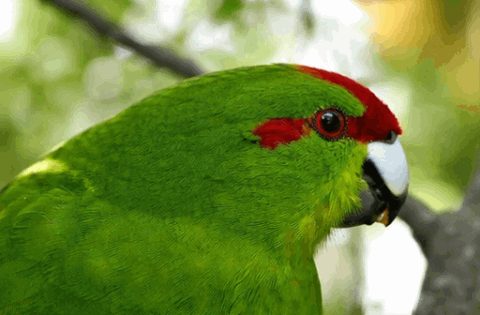
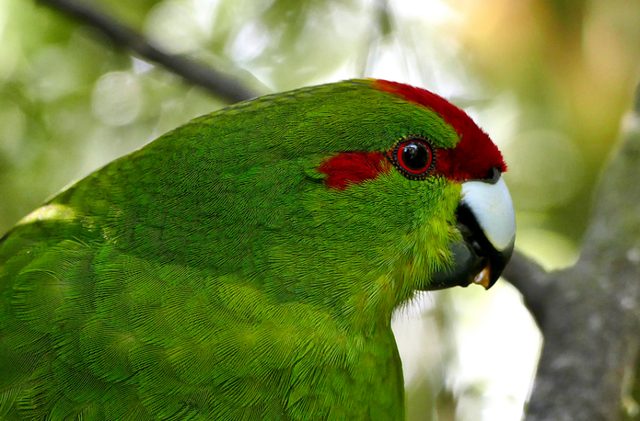 Photo GIFHover to playTap to play
Green parrot — Nod yesNod yes 2026-11-10 · fal GPT Image 2.6 Flare · “Nod yes” · 480×315 px · 14 frames · 2.24 s loop · 0.87 MiB · 15 s wait
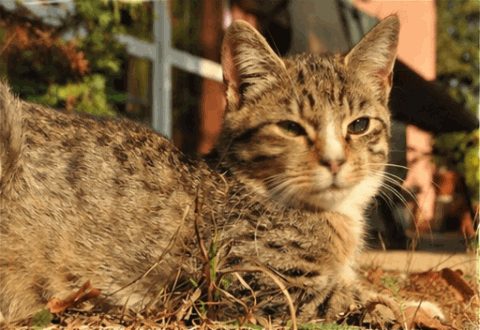
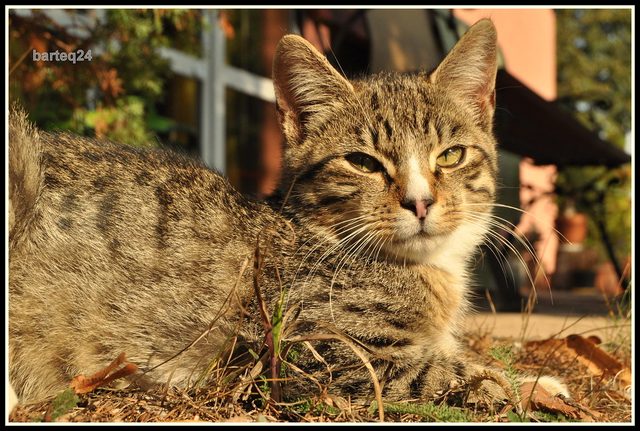 Photo GIFHover to playTap to play
Tabby cat — Shake noShake no 2026-11-10 · fal GPT Image 2.6 Flare · “Shake no” · 480×330 px · 14 frames · 2.24 s loop · 1.34 MiB · 15 s wait
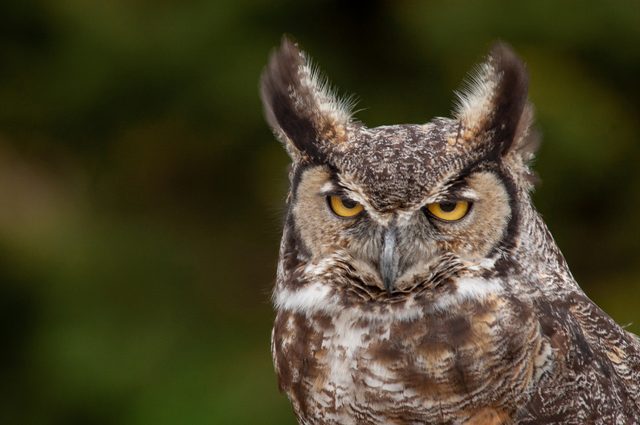 Photo GIFHover to playTap to play
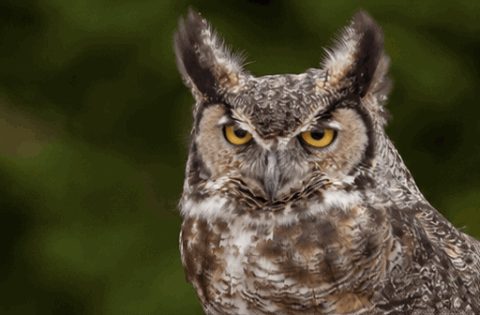
Owl — ShockedShocked 2026-11-10 · fal GPT Image 2.6 Flare · “Shocked” · 480×315 px · 14 frames · 2.24 s loop · 0.91 MiB · 12 s wait
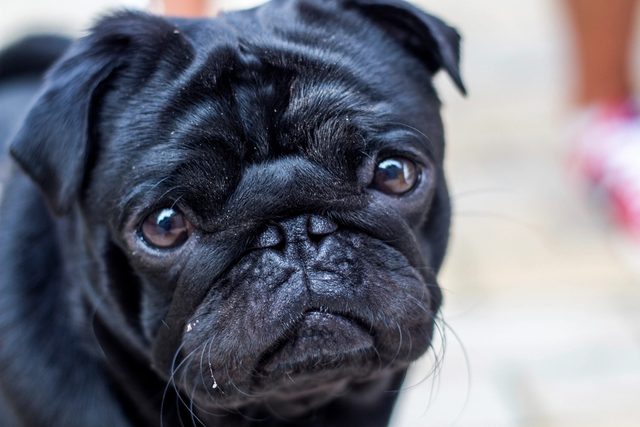 Photo GIFHover to playTap to play
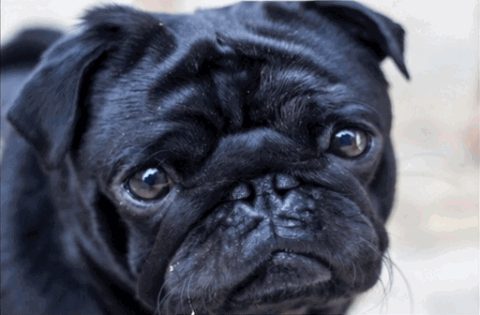
Pug — CryCry 2026-11-10 · fal GPT Image 2.6 Flare · “Cry” · 480×315 px · 14 frames · 2.24 s loop · 0.89 MiB · 12 s wait
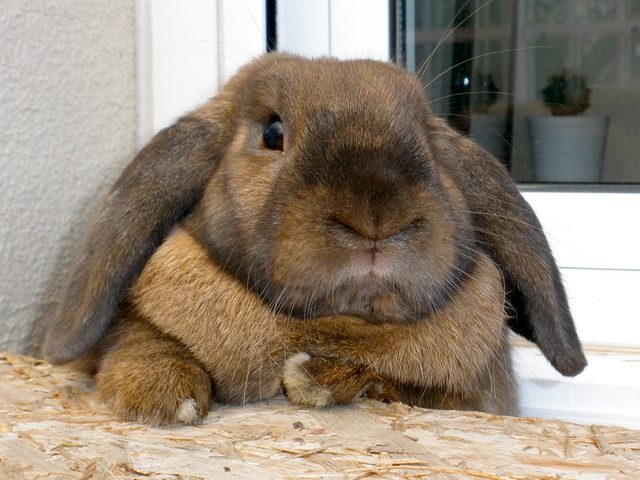 Photo GIFHover to playTap to play
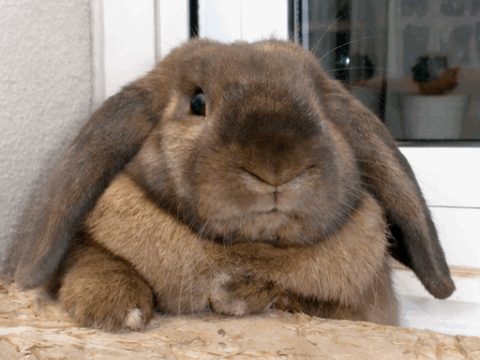
Lop rabbit — Heart eyesHeart eyes 2026-11-10 · fal GPT Image 2.6 Flare · “Heart eyes” · 480×360 px · 14 frames · 2.24 s loop · 1.11 MiB · 15 s wait
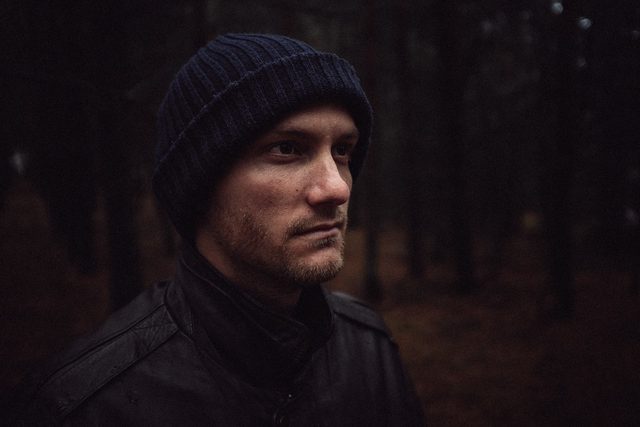 Photo GIFHover to playTap to play
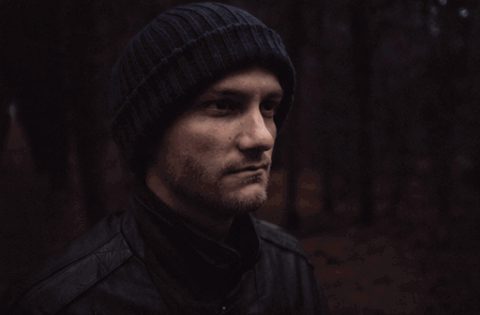
Man in cap — Thumbs upThumbs up 2026-11-10 · fal GPT Image 2.6 Flare · “Thumbs up” · 480×315 px · 14 frames · 2.24 s loop · 0.55 MiB · 12 s wait
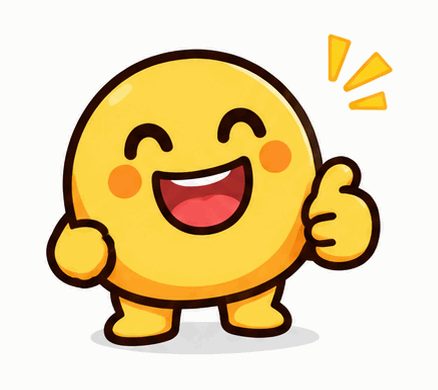
- PromptText GIFHover to playTap to play
“A round yellow blob character with a big grin gives a thumbs up, flat sticker style, thick outline, plain white background, fixed camera.”
Yellow blob thumbs upFrom text 2026-11-10 · APIMart GPT Image 2.6 Flare · text prompt · 438×390 px · 16 frames · 3.20 s loop · 0.39 MiB · 44 s wait
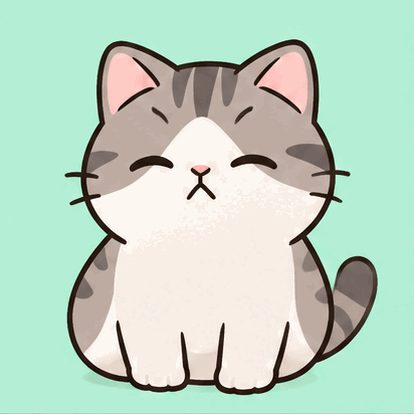
- PromptText GIFHover to playTap to play
“A chubby cartoon cat slowly covers its face with one paw in a facepalm, flat sticker style, plain mint background, fixed camera.”
Cat facepalmFrom text 2026-11-10 · APIMart GPT Image 2.6 Flare · text prompt · 414×414 px · 16 frames · 3.20 s loop · 0.52 MiB · 107 s wait
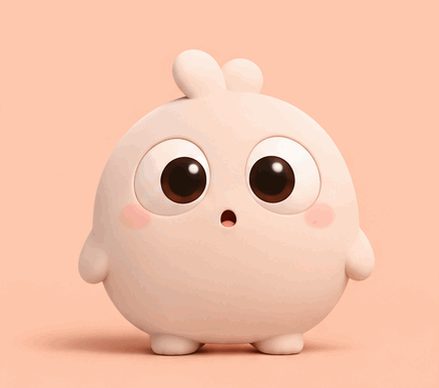
- PromptText GIFHover to playTap to play
“A round cartoon creature widens its eyes in surprise, plain peach background, fixed camera.”
Surprised creatureFrom text 2026-11-10 · APIMart GPT Image 2.6 Flare · text prompt · 439×388 px · 16 frames · 3.20 s loop · 0.36 MiB · 45 s wait
Hover or tap a card to play. Samples were generated by the site team with the same settings users get; one attempt each, shown as produced.
Compare
Reaction GIF routes compared
| Feature | Photo reaction (this page) | Text sticker (this page) | Caption an existing GIF |
|---|---|---|---|
| Input | One photo of a face or pet | A sentence describing a character | A GIF you already have |
| What the AI changes | Expression and small head/hand motion | Draws the whole character | Nothing — text is drawn locally |
| Cost | 1 credit | 1 credit | Free, no account |
| Background | Photo background, flattened to opaque | Solid color you describe | Unchanged |
FAQ
Frequently asked questions
Reaction GIFs are generated by AI from your input and may vary between attempts. Each attempt is a separate generation; check the original task before resubmitting.
Can I make Discord or Twitch emotes with this?
You can make the GIF here, then square-crop and shrink it with the free GIF Resizer and reduce the file size with the GIF Compressor. Each platform has its own size, dimension and transparency rules that change over time; check the destination’s current requirements before uploading. Results have an opaque background.
Why does the AI add or change details?
Reaction presets ask for exaggerated motion, which gives the model more freedom than a subtle blink. Hands, teeth and accessories are the most likely to drift. Use a close, simple photo and compare the full loop with the original before sharing.
Which reaction works best from a photo?
Nod yes and Shake no read well on almost any face or pet. Shocked and Cry depend on visible eyes. Thumbs up needs a hand or paw already visible in the photo; the model is told never to invent extra limbs, so a photo without hands may produce a weak gesture.
Is it free?
Each new account gets 1 free photo-to-GIF generation total, with a watermark. Text-to-GIF requires paid credits. Each generation uses 1 credit. Free-credit GIFs are watermarked; new paid-credit GIFs are not. Confirmed failed or blocked generations return their credit. Browser editing tools are free.
Can I use the GIFs commercially?
Yes. You can use the GIFs you make in personal and commercial projects, as long as you own or have permission to use the photo you uploaded and the result doesn’t infringe anyone else’s rights.
What happens to my photo?
AI inputs and results are processed by our server and providers. Results are private to your account. We attempt source-photo deletion when a task succeeds, fails or enters review; cleanup can fail. Provider retention follows separate policies.
What can’t I upload?
Photos of children, nude or sexual content, and photos of real people used without their consent are not allowed. Every photo and every result passes an automatic safety check.
Keep going
Finish your reaction GIF
- Image to GIF (AI)Animate a single photo into a looping GIF with AI.
- Text to GIFDescribe a moment and get a looping GIF.
- AI GIF GeneratorStart from text or a photo — pick the right AI tool.
- GIF CompressorReduce GIF file size toward a target; results vary.
- GIF ResizerChange GIF width, height or crop it square.
- WebP to GIFConvert animated or still WebP files to GIF, in bulk.
- Images to GIFCombine several pictures into one GIF, in your order.
- Add Text to GIFPut a meme caption on top or bottom of any GIF, in your browser.